Signature video effects. Live.
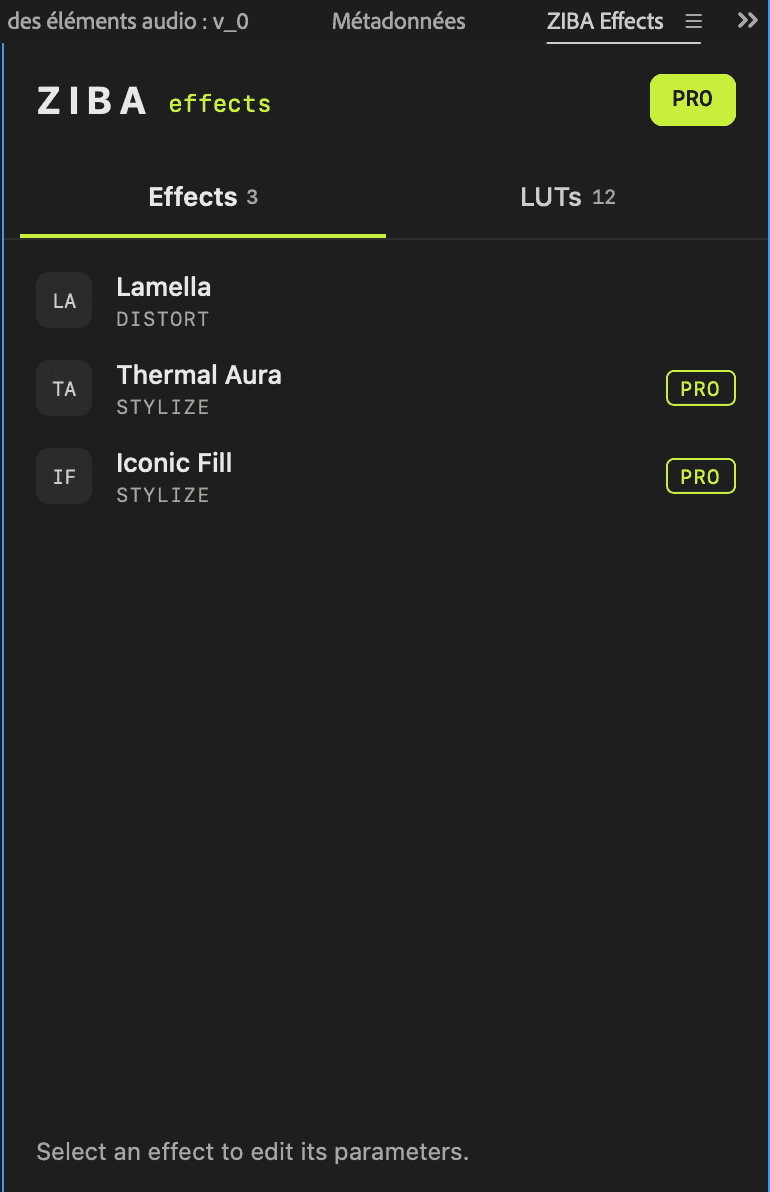
ZIBA Effects is a catalog of creative video effects for Premiere Pro, rendered on your GPU with no pre-render. Lamella is free for good.
Premiere Pro · Apple silicon Macs · Windows with NVIDIA
- YouTubers
- Filmmakers
- Motion designers
- Editors
- Creators
Lamella, free
Light, bent by glass.
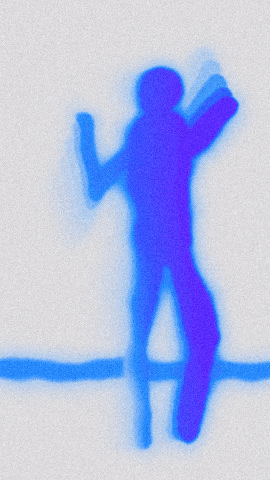
Point, tap or drag: your subject moves behind reeded glass, and the lamellae widen as you scroll. The same look as the effect, rendered live on your GPU. Free for good.
Hand-written image processing. No presets, no generative AI, no pre-render.
Aria is a two-person studio: a developer and a post-production artist. Each effect starts from a look and ends as image processing written by hand, made by editors for editors.
The catalog
Inside ZIBA Effects

Infinitely tweakable
Everything is a setting.
Defaults that look right from the first click. Then every detail is yours, live in the panel: sliders, menus, switches, color pickers. The same look at 720p, 1080p or 4K.
How it works
From download to timeline
Step 1: Create your free account
Just your email. No password to remember: we send you a magic link.
Step 2: Install ZIBA Effects
Download it for macOS or Windows from your account, install the panel, restart Premiere Pro.
Step 3: Select, apply, tweak
Open Window › Extensions › ZIBA Effects, select your clips, pick an effect and tune it live.
Try PRO before you pay
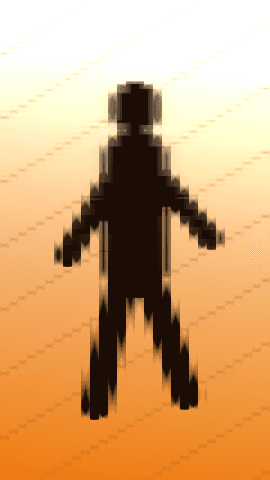
Thermal Aura, Iconic Fill and the PRO LUTs apply with a watermark until you subscribe. With PRO, the watermark is gone. Cancel anytime.